
PARALLEL UNITS
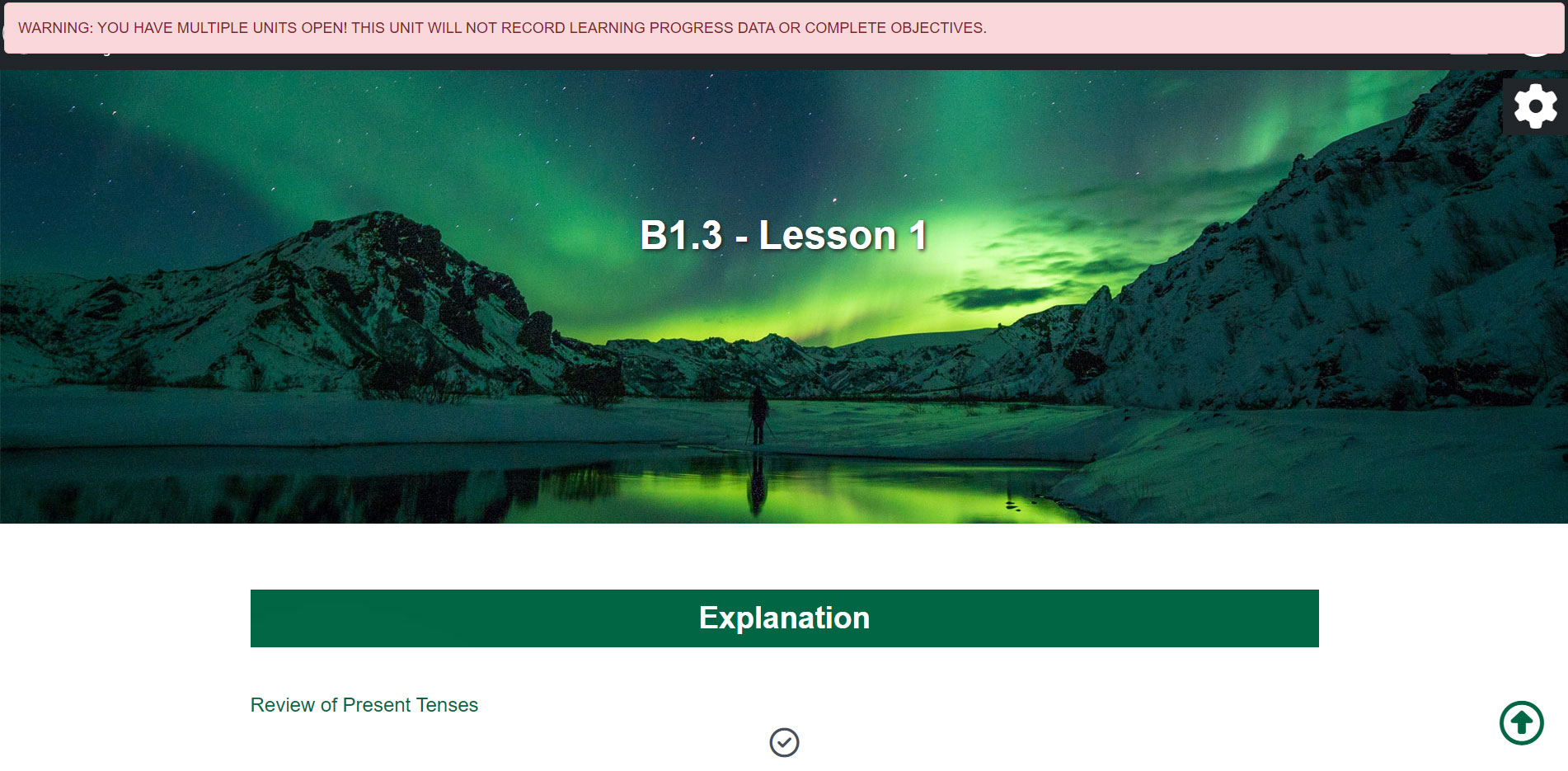
It is not possible to have several units open at the same time in order to complete them in parallel, only data from the last unit opened is recorded and the information message shown in the following image appears in the rest of the units.
COMPLETE OBJECTIVES
In this video we will see how to identify a widget and how to complete its objective.
Completing objectives
PROGRESS
In this video we will see how to monitor the progress of the unit, both in the Virtual Classroom and in the unit itself.
Progress
UNDERLINING AND NOTES
In this video we are going to see how we can underline and add notes in our unit.
Underlining and notes
VOICE CONTROL
This link takes us to the unit where the use of the voice interface is explained in detail.
ACCESSIBILITY
In this video we will look at the accessibility options of the units.